Site Builds & MigrationsBuild or move your store to Shopify Plus.
Custom themes, replatforms from Salesforce Commerce Cloud, Magento or headless, and the integrations behind them. We also build and migrate on BigCommerce.
Shopify Premier PartnerBigCommerce Partner

Talk to us about your build
Tell us your current platform and where you want to end up.


01 · MigrationsEverything comes with you. Nothing breaks on launch day.
A replatform is five moves done in the right order: catalog, customers, order history, every old URL and the systems behind the store. We plan them before build starts, so launch is a switch, not a scramble.
- WYZEMagento 2 to Shopify Plus, with a beta store launched next to Magento before the full switch.Magento → Shopify Plus
- ArdbegOff Salesforce Commerce Cloud and rolled out market by market.SFCC → Shopify Plus
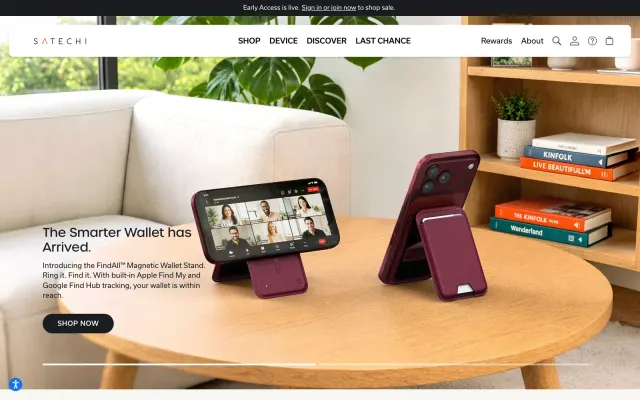
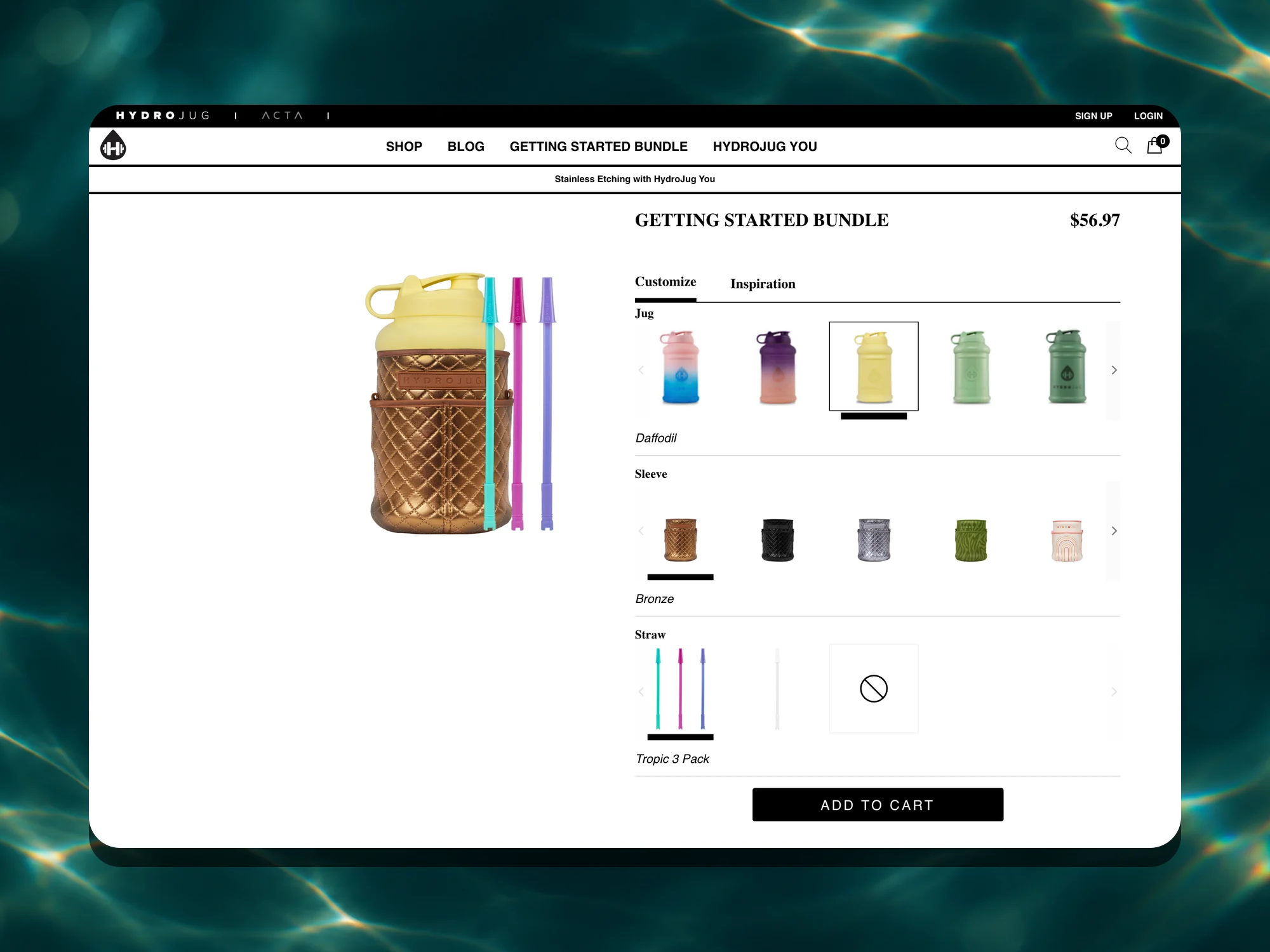
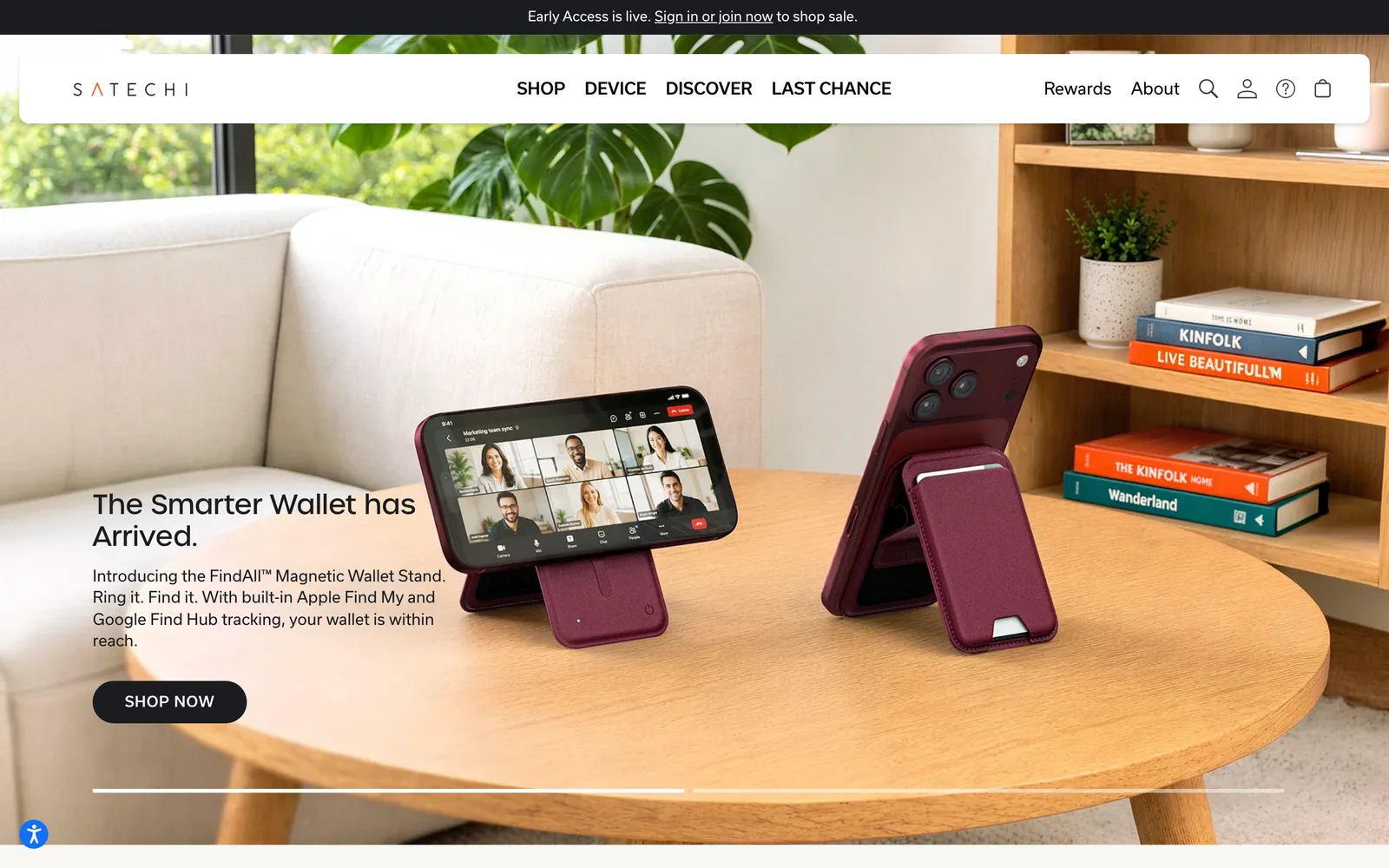
- SatechiMoved off a headless build to a Shopify Plus theme the team can run.Headless → Shopify Plus theme
Before and after the move
The old store next to the Shopify Plus store we built.
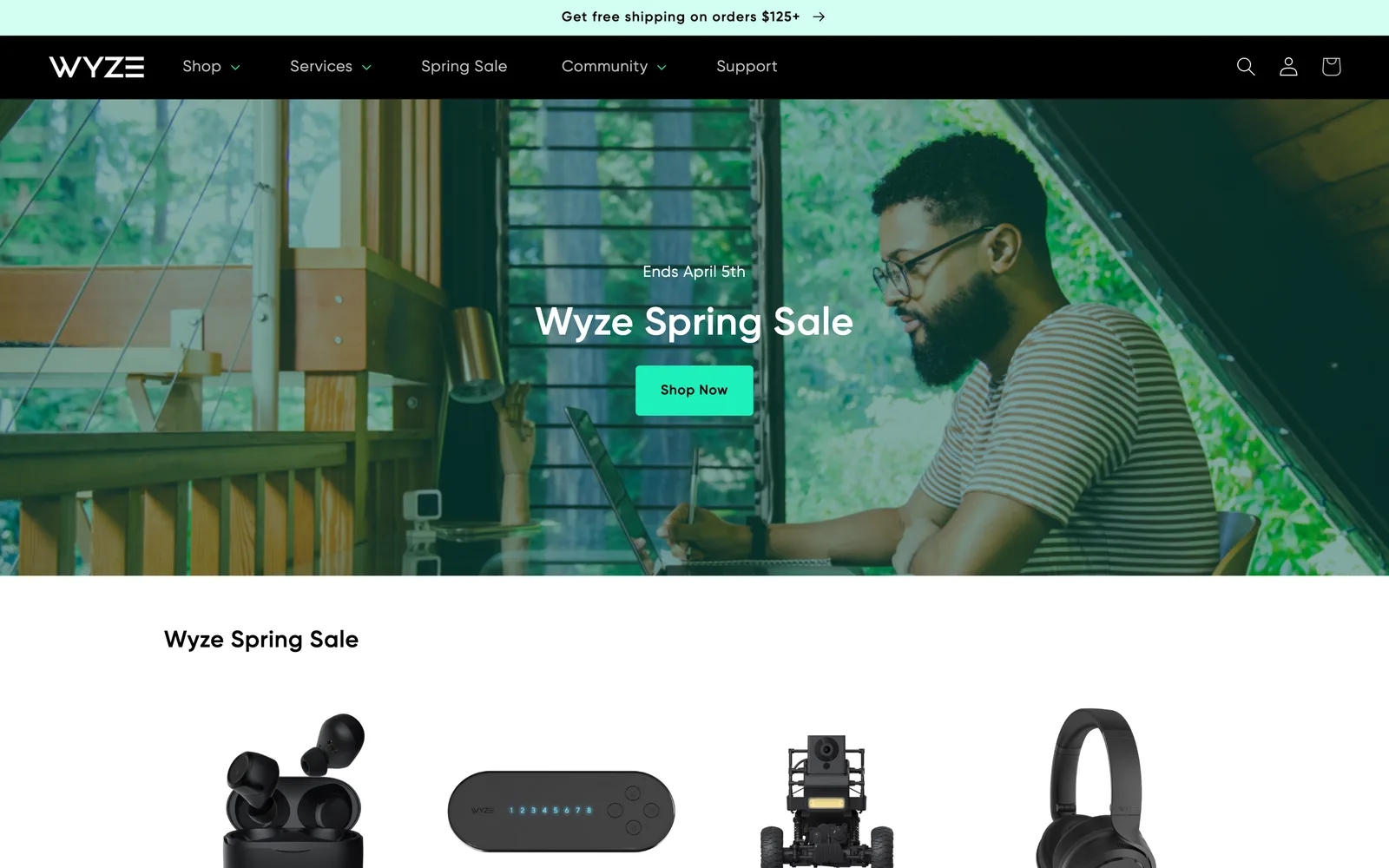
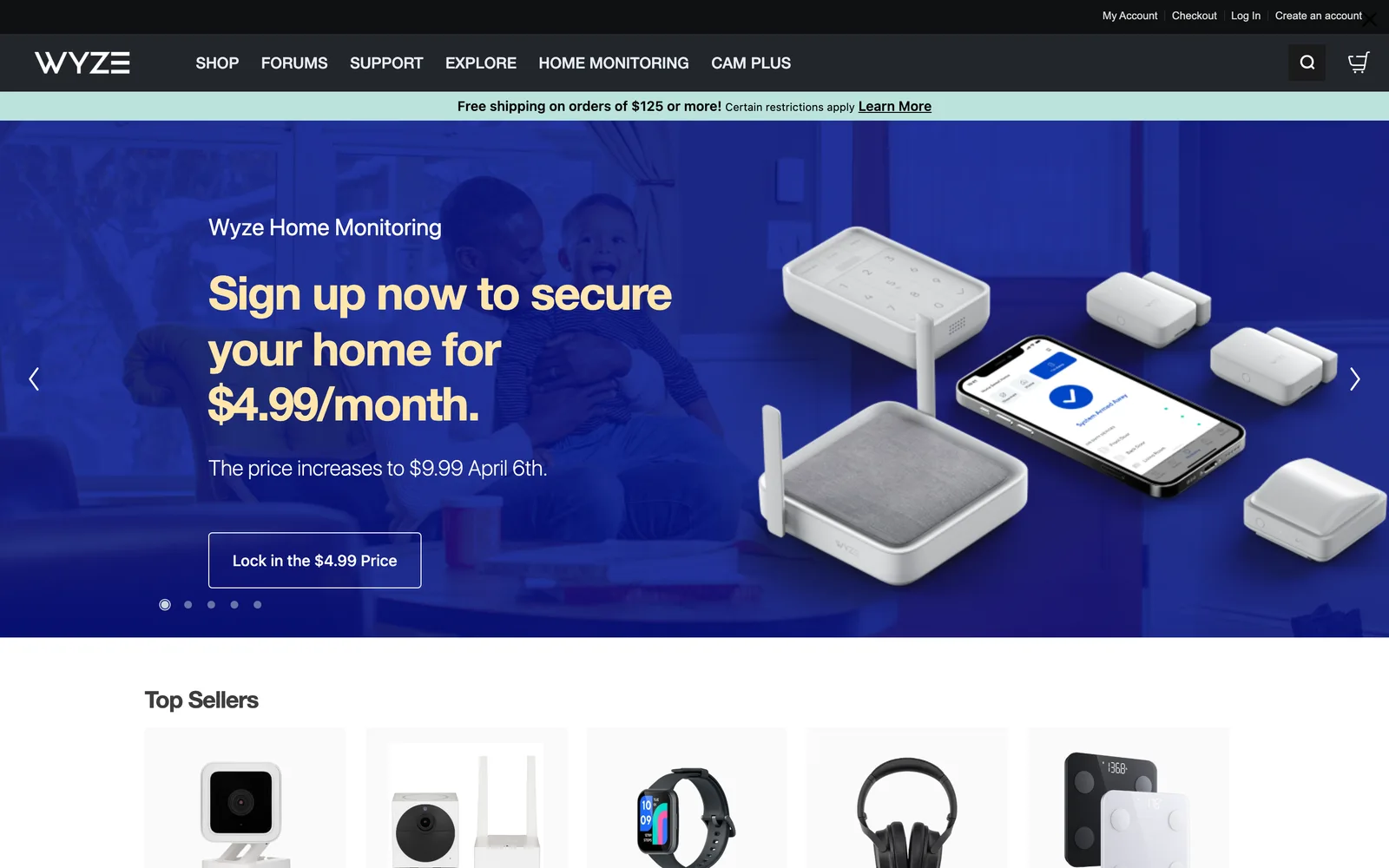
- Custom Shopify Plus theme built on Dawn
- Beta store ran next to Magento before the full move
- Cam Plus and Home Monitoring sold as add-ons through Recharge
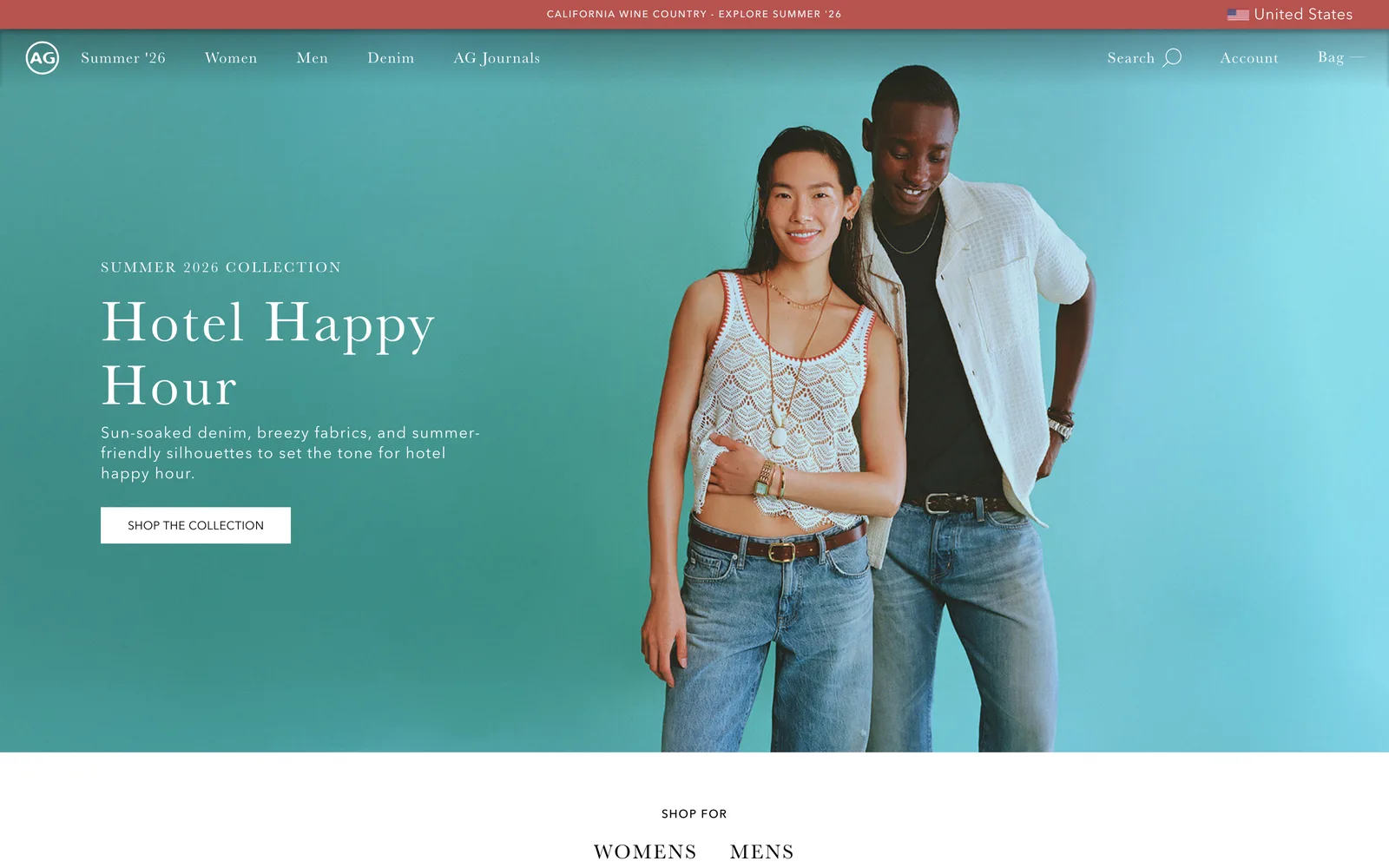
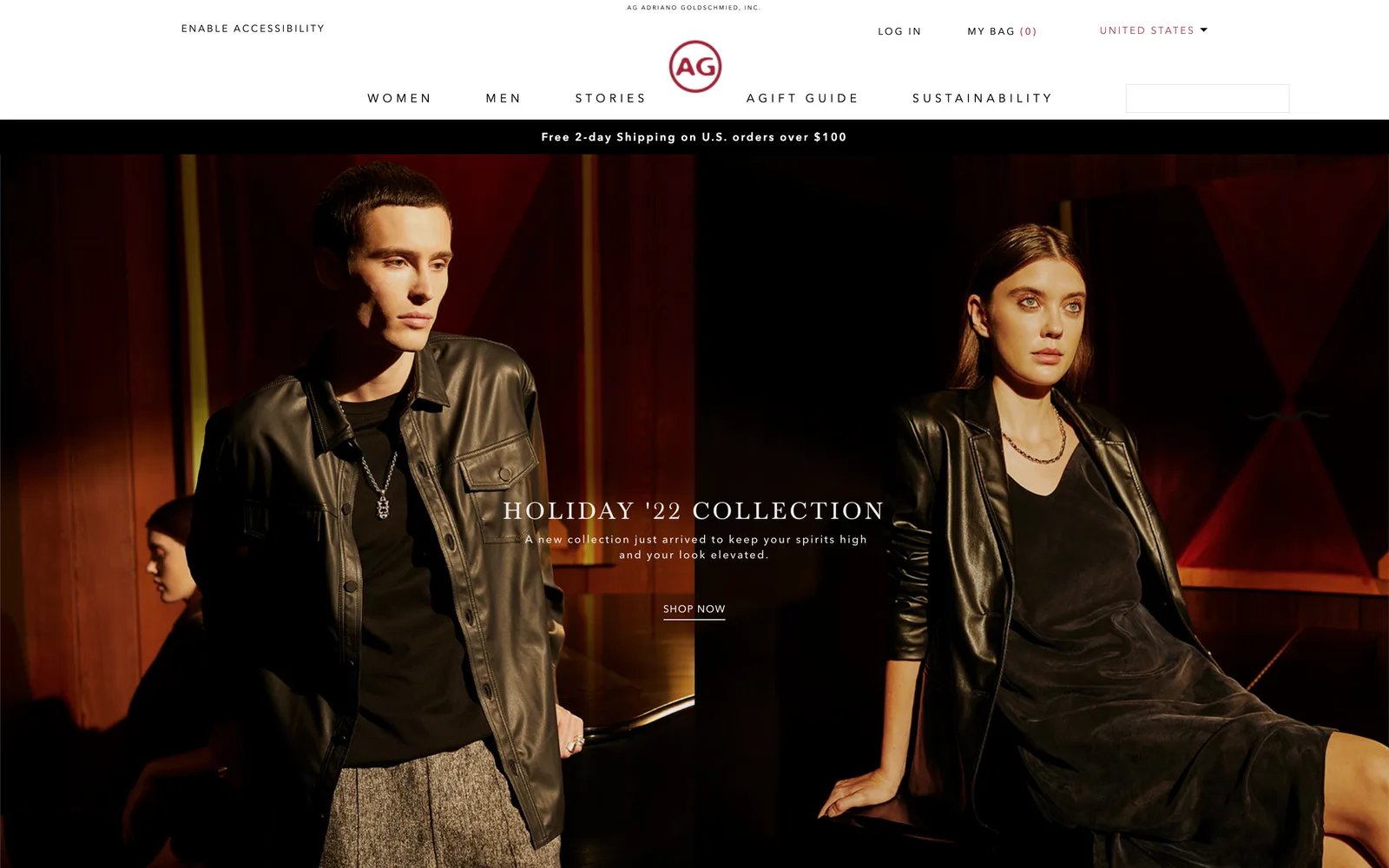
- Moved the store off Salesforce Commerce Cloud onto Shopify Plus
- Redesigned the store in the same project as the move
- Since launch, redesigned collection pages, product page and mega menu
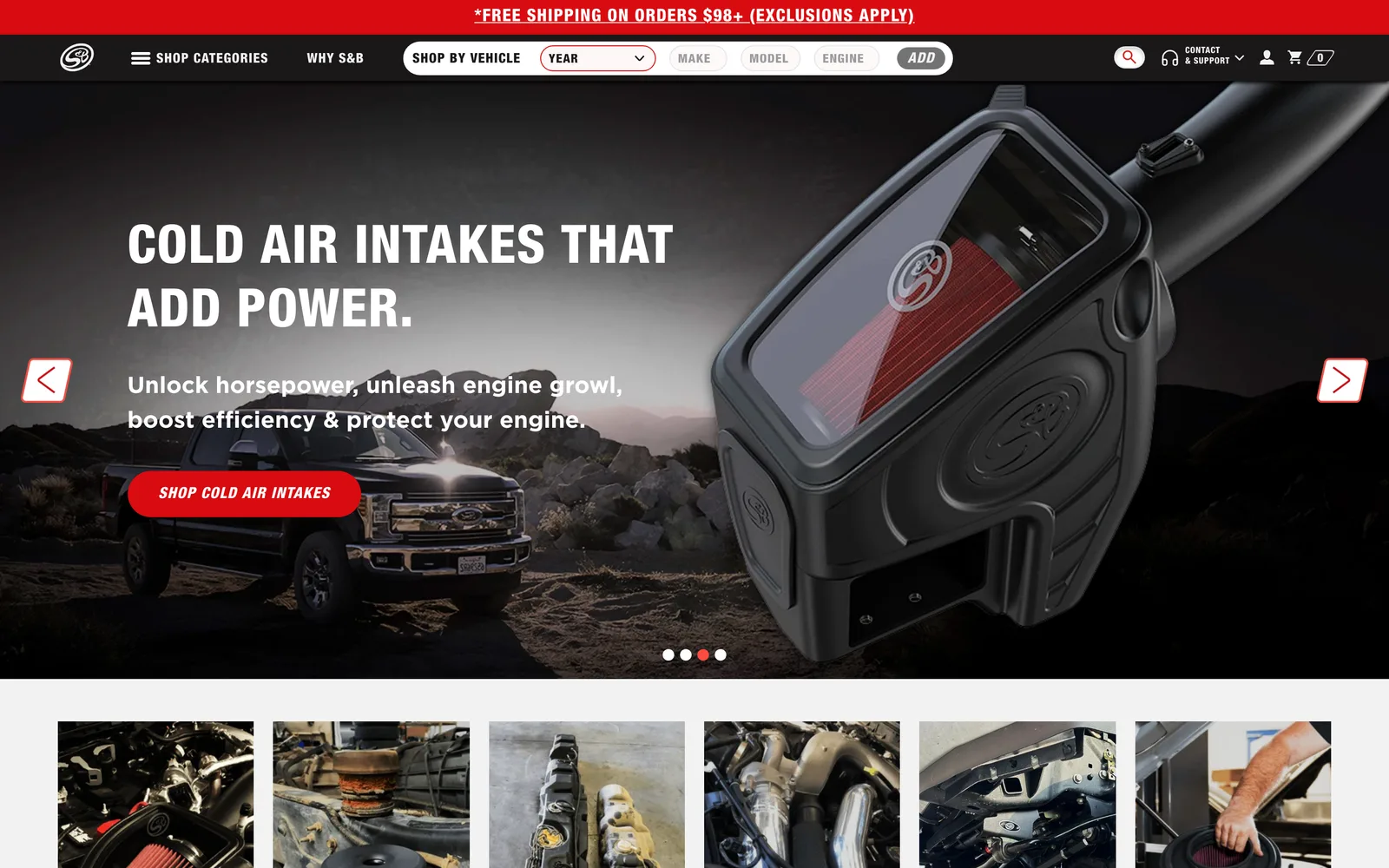
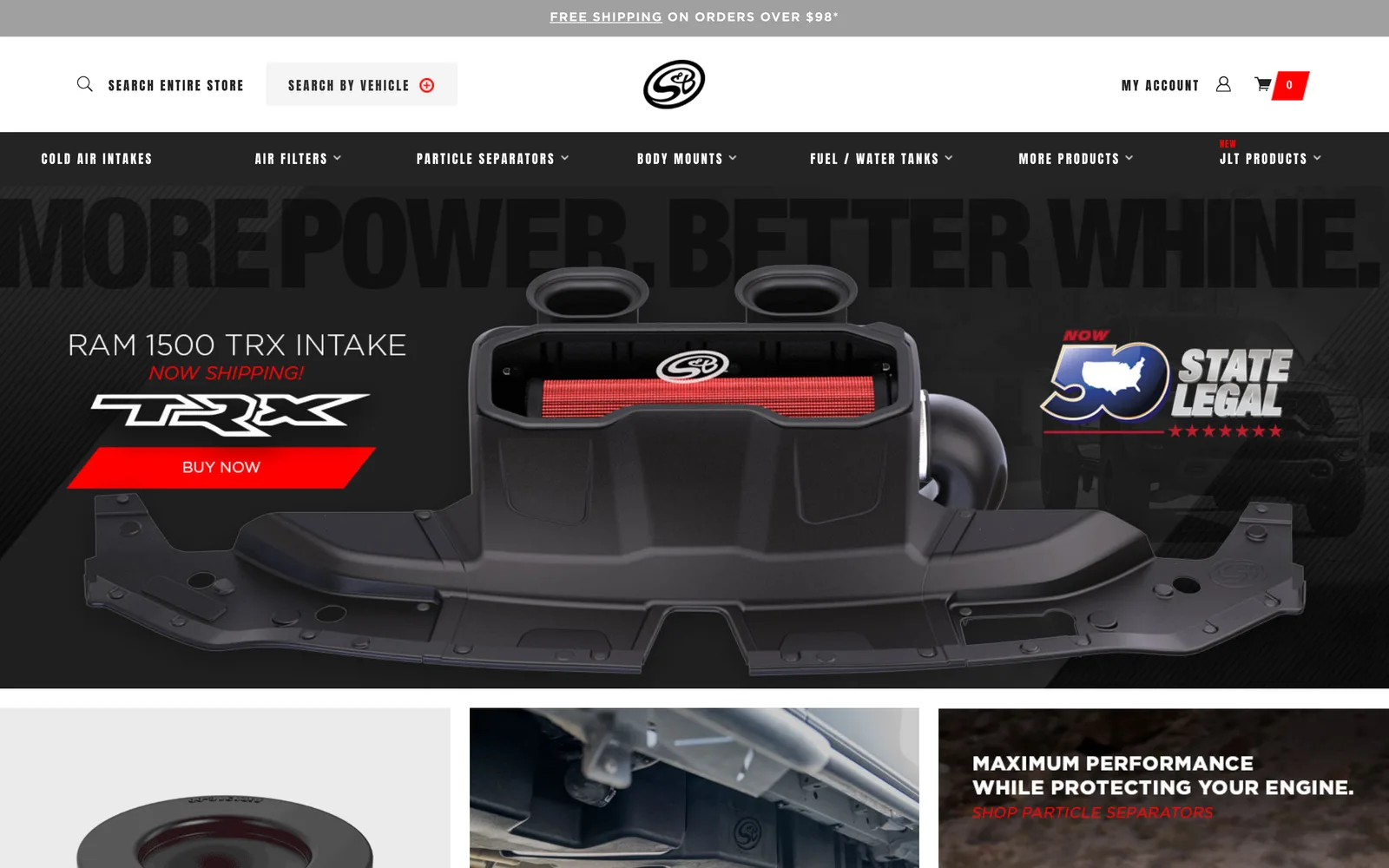
- Moved off Miva with catalog, customers, orders and fitment data
- Built Shop-By-Vehicle search by year, make, model and engine
- Added native B2B for dealers with PO checkout and tiered pricing
02 · Theme design and developmentA new theme, or a redesign of the one you have?
Starting fresh, you launch fast on Shopify’s Horizon theme or go fully custom. Already on a theme that mostly works, we redesign the pages that matter or keep improving it on a retainer. We scope the options and tell you which fits.
A new theme
Starting fresh, on Shopify Plus or after a replatform.
-
Quick launch
Shopify Horizon theme
Shopify’s own theme family, styled from your brand guide.
Best for Brands that need a clean, fast store soon, or whose current theme has been patched by several developers.
Pros
- The fastest, lowest-cost way to a new theme
- Shopify maintains the theme and ships its updates
- Current theme architecture, with sections your team reuses for every launch
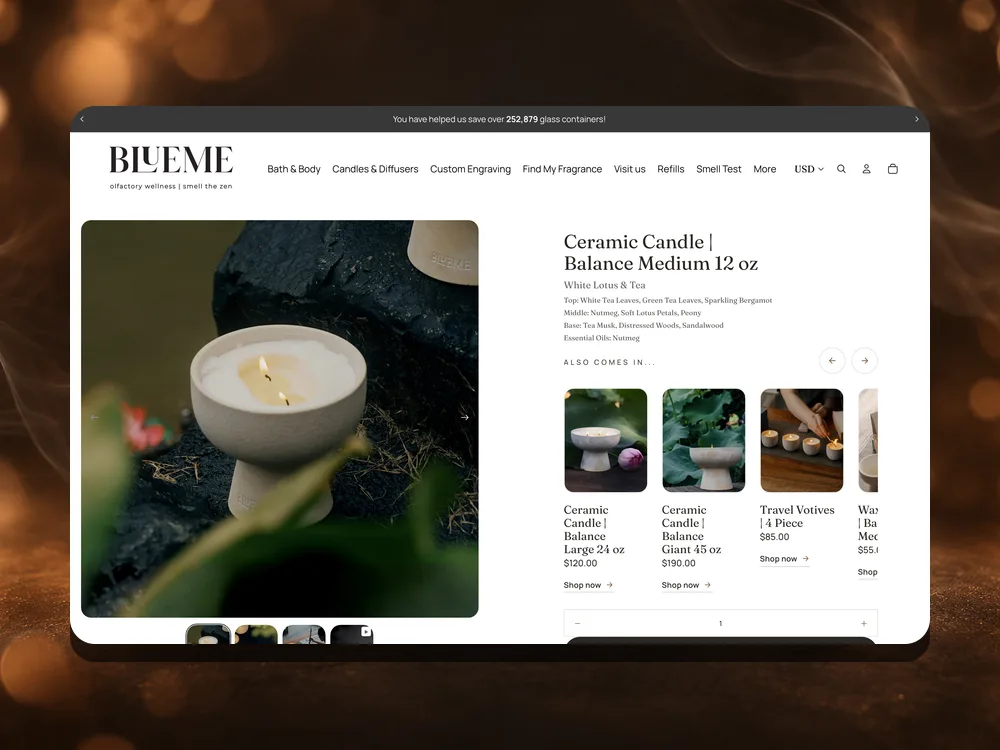
Blueme Rebuilt on Horizon’s Atelier theme instead of a full redesignTrade-offs
- Your store starts from the same base as other Horizon stores
- Features past what its sections do need extra development
-
Fully custom
Custom theme
Designed for your brand and products, approved before code starts.
Best for Brands whose catalog, merchandising or brand go past standard sections, like bundle builders, quizzes or B2B pricing.
Pros
- Every page designed around your products and customers
- Custom features built into the theme, not bolted on with apps
- Mockups approved before development starts
Satechi Off a hard-to-maintain headless build, onto a custom Shopify Plus themeTrade-offs
- Takes longer and costs more than a Horizon build
- More custom code to look after over time
The theme you have
Already on Shopify and the theme mostly works.
-
Redesign
Redesign your current theme
Keep the Shopify theme you run today and redesign the pages that matter most, a few at a time.
Best for Stores whose theme still works but looks dated or converts poorly on key pages.
Pros
- No full rebuild or replatform
- Changes ship in phases while the store keeps selling
- Your team keeps the admin and sections it already knows
Loved01 Product pages, collections and navigation redesigned on its existing themeTrade-offs
- Limited by how the current theme is built
- Old code stays unless it’s cleaned up along the way
-
Ongoing
Improve it month by month
A retainer team that ships theme upgrades, new features and A/B tests after launch.
Best for Brands that want an ongoing team instead of one big project every few years.
Pros
- The theme stays current as Shopify changes
- Custom features added as the business needs them
- Changes can be A/B tested before they ship to everyone
WYZE Theme upgrades, Shopify Functions and A/B tests on its Dawn-based themeTrade-offs
- Needs an ongoing budget to keep improving
- The more you customize, the more work each theme upgrade takes
Before and after the redesign
Two stores we redesigned on custom Shopify Plus themes.
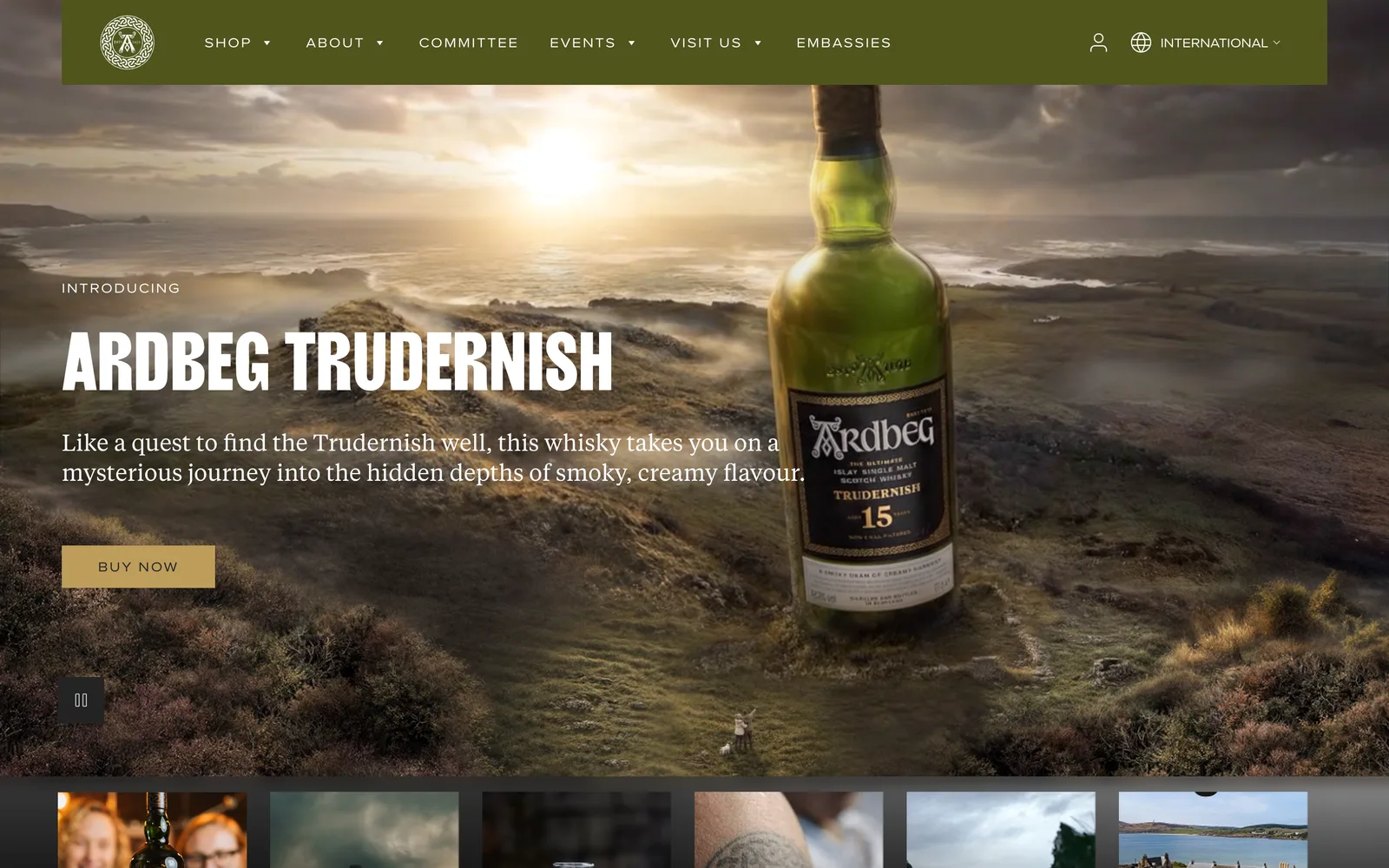
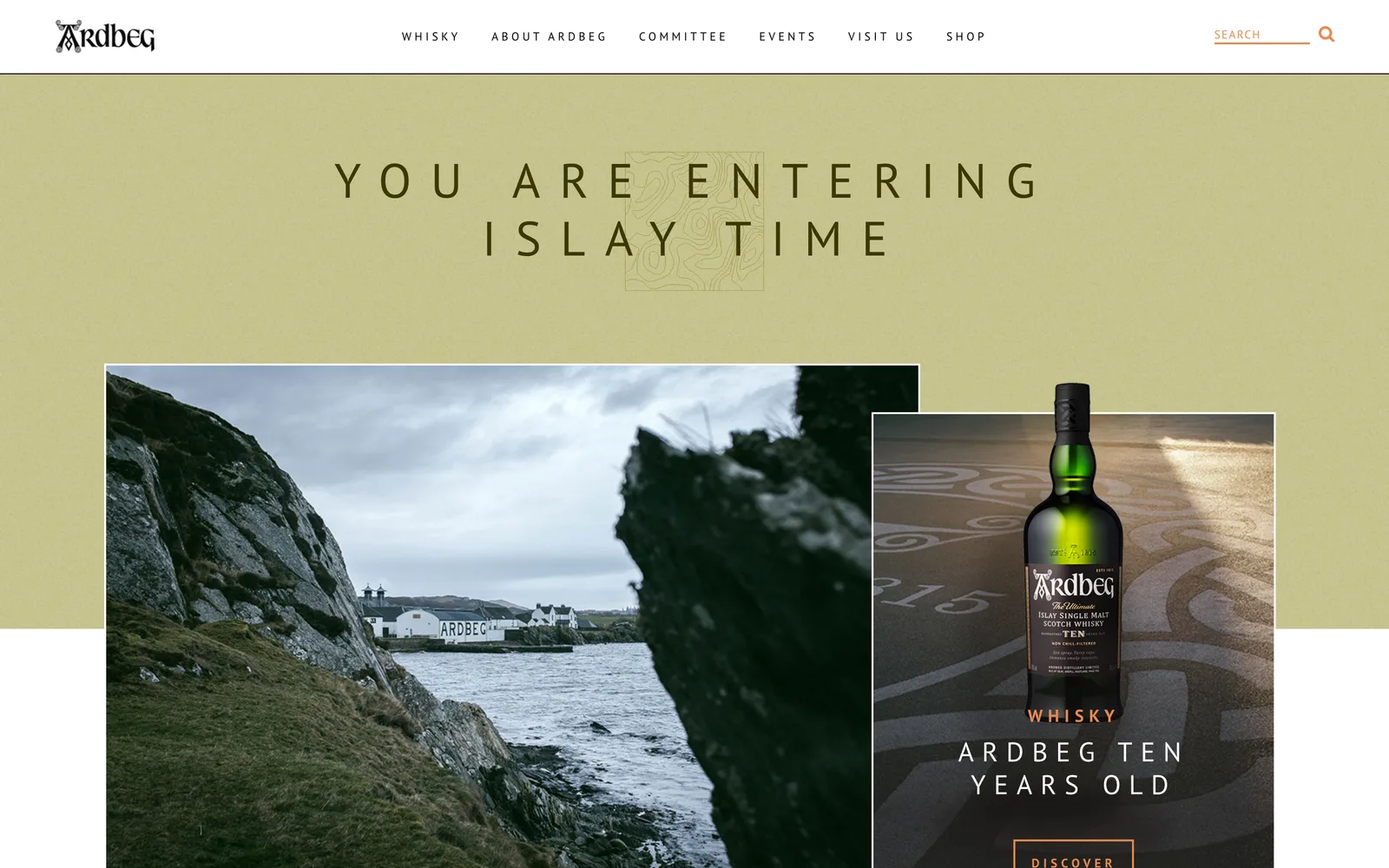
- Retired the Salesforce Commerce Cloud store for Shopify Plus
- Built one design system as a custom theme shared across markets
- Rolled out market by market, starting with France
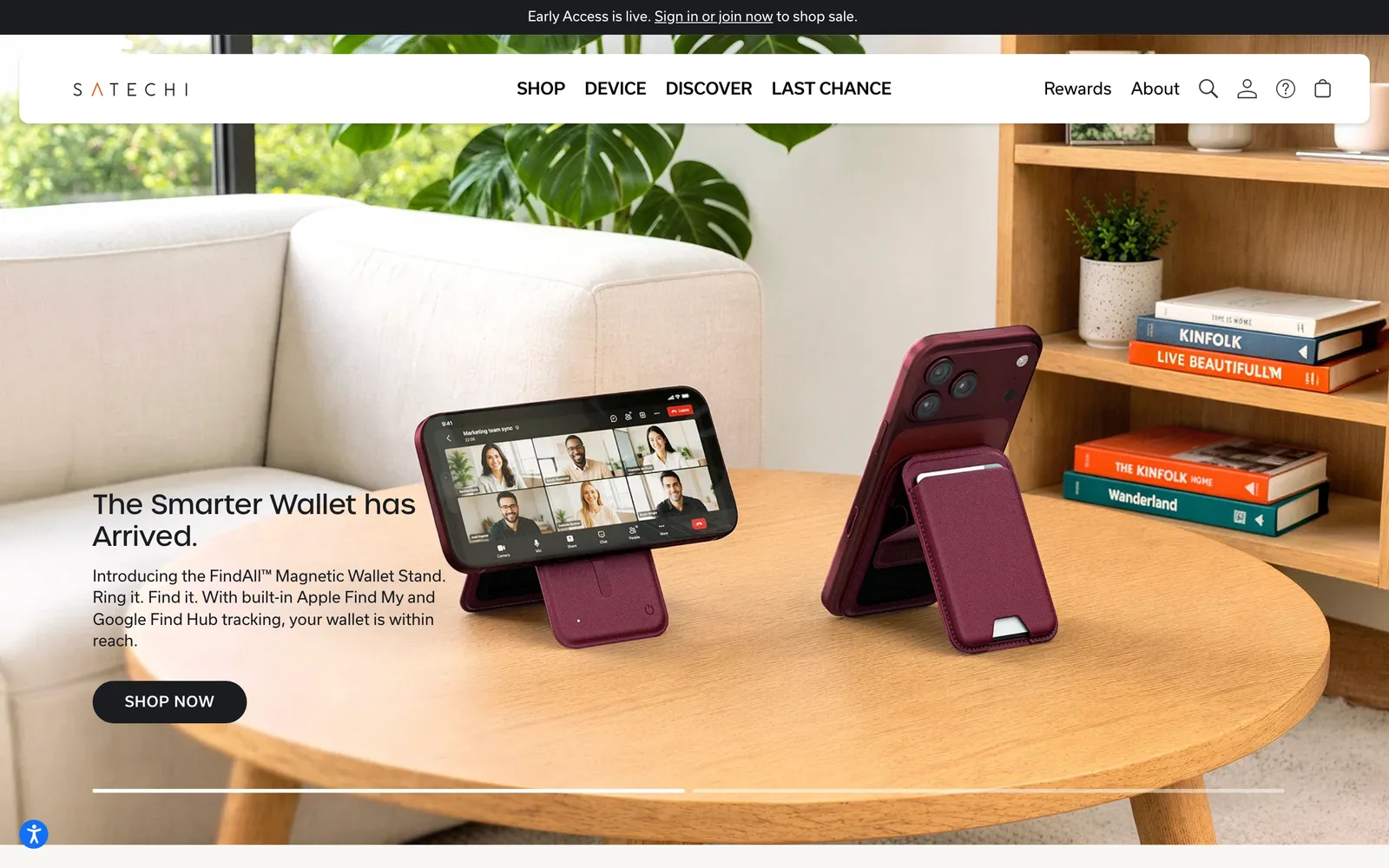
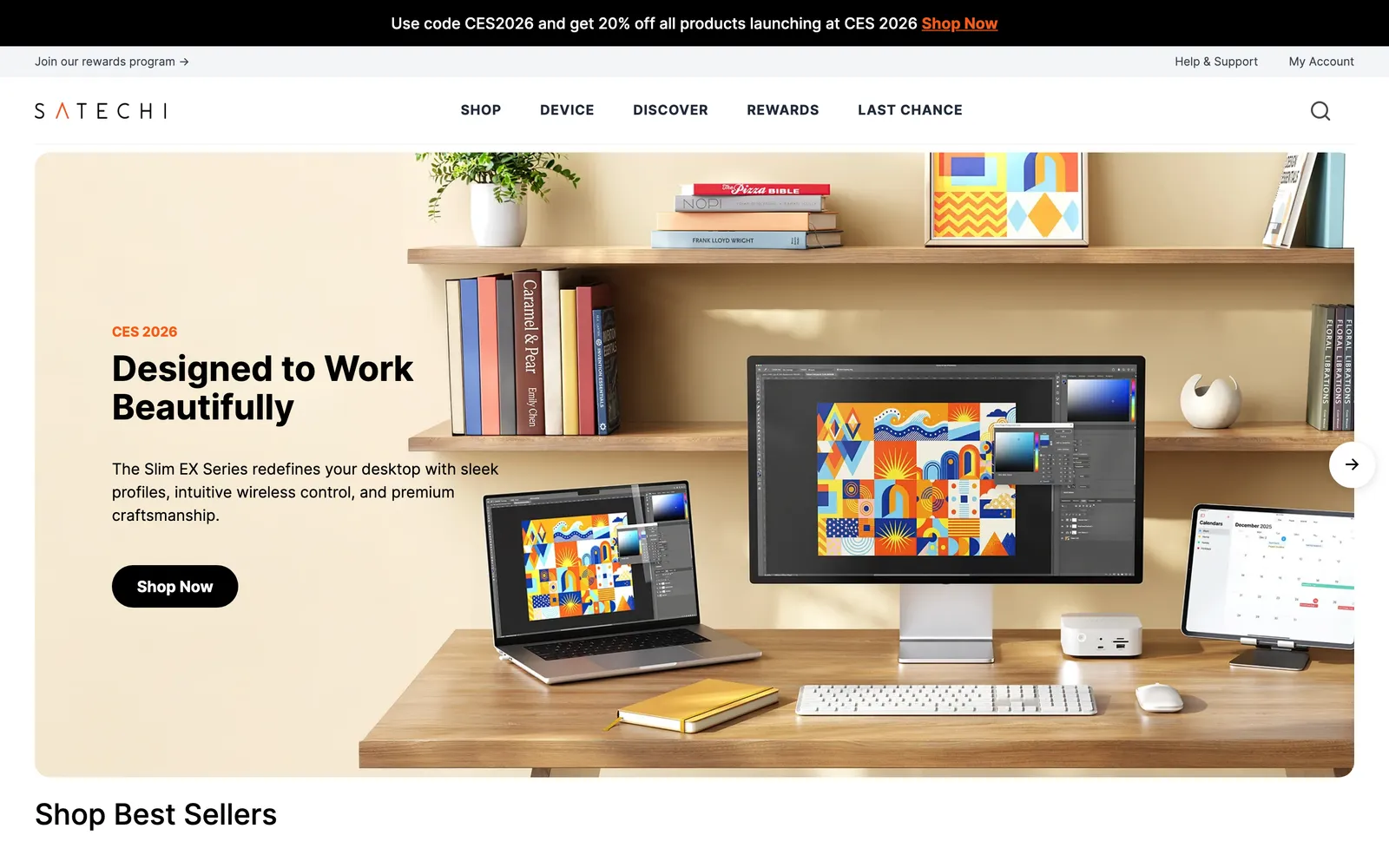
- Rebuilt on native Shopify, so the team edits pages without a developer
- Global header with a mega menu; collections with filters and review stars
- Side cart with upsells and a free-shipping progress bar
03 · IntegrationsYour systems come with you
A migration moves more than the storefront. Orders go out to the systems that fill them, and stock, prices and tracking come back. We keep those connections working through the move, usually with a connector like Celigo.
- Shopify · ERP · B2BS&B FiltersMulti-location inventory and dealer pricing wired into NetSuite.
- BigCommerce · multi-storefrontBandai NamcoSeparate franchise storefronts on one shared back end.
- Shopify Plus · compliance · marketsArdbegShopify Markets plus per-region stores, each with its own age gate and consent.
You see the store every week, not at the end
-
Platform, features, timeline and price agreed on paper before anything else.
-
Pages designed and approved before development starts.
-
Weekly demos on a preview store. Integrations wired and tested across devices.
-
Redirects mapped, SEO carried over, and the first weeks watched closely.
A few of the migrations we’ve shipped

Salesforce Commerce Cloud → Shopify Plus
Ardbeg
Global Shopify Plus replatform for Moët Hennessy's Ardbeg, off Salesforce Commerce Cloud and rolled out market by market from one shared design system.
Read the case study →
Headless → Shopify Plus
Satechi
Migrating a global consumer electronics brand from headless to a custom Shopify Plus theme built for scale.
Read the case study →
Salesforce Commerce Cloud → Shopify Plus
AG Jeans
Salesforce Commerce Cloud to Shopify Plus with a full redesign, then a development retainer that has since redesigned the collection pages, product page and navigation.
Read the case study →
Magento → Shopify Plus
Algenist
DYODE moved skincare brand Algenist off an aging Magento Enterprise site onto Shopify Plus, carrying over its customers, orders, rewards and skincare quiz.
Read the case study →
Magento → Shopify Plus
O'Neill
DYODE audited O'Neill's Magento store, planned the replatform and moved the surf brand's US site to Shopify Plus with its data, integrations and old URLs.
Read the case study →
Miva → Shopify
S&B Filters
Replatforming a performance auto-parts brand onto Shopify, built around vehicle-fitment search.
Read the case study →
Client · WYZE
“DYODE is an extension of our team. That’s how they like to operate and how we want to work with them.”
Before you ask
How long does a Shopify Plus migration take?
Most take 3–6 months. Where yours lands depends on where you’re moving from; a pre-built theme (we recommend Shopify’s Horizon) or a fully custom redesign; whether your ERP and back-end integrations are custom or can use a connector like Celigo; and how many apps you run, such as search, reviews, personalization and customer service. The same factors set the timeline for a BigCommerce migration. Your written scope fixes the date before work starts.
Will we lose our Google rankings?
Not if redirects are done right. Every old URL is mapped to its new one before launch, and we carry over titles, descriptions and structured data.
What moves with us, and what doesn’t?
Products, customers and order history move to Shopify, usually with Matrixify, which imports straight from Magento, WooCommerce and other common platforms. Every old URL gets a redirect. Passwords can’t move between platforms, so we plan the emails that invite customers to reactivate their accounts after launch.
Do you handle NetSuite and Celigo?
Yes. We partner with both and coordinate the integration setup with your team, so orders, inventory and customers keep flowing on launch day.
Premium theme or custom theme?
A premium theme, or Shopify’s own Horizon, launches fastest and costs least. Custom fits when your brand or catalog needs something no theme does. Many brands start on a theme and keep improving it month by month on a retainer.
What happens after launch?
Every build includes a post-launch support window. Most clients then stay on with us for ongoing maintenance and conversion work.
What does a migration cost?
It depends on scope. Projects are scoped at $150 an hour, and the price is fixed in writing before we begin. If you want to see our work first, The Prototype is $3,495.
Should we go headless?
Usually not on Shopify. A native theme is faster to launch and cheaper to run. We build headless on BigCommerce or Scayle when a project needs it, and we’ll tell you which fits.
What it costs
- Ongoing work $150/hr · 3-month minimum A monthly block of hours you point at whatever matters most, with a report on where every hour went. One-off work outside a retainer is $175/hr. Ways to work with us →
- The Prototype $3,495 · 4 days Evaluating DYODE fast. 1-hour discovery call to understand your brand, products, and goals. Functional Shopify storefront prototype (up to 10 products). See the package →
- The Platform Verdict $9,495 · 4 weeks Board-defensible decision. Functional requirements documented for frontend, backend, and admin controls. Native functionality of up to 3 platforms evaluated against your requirements. See the package →
Tell us what you’re building
Tell us your platform, your timeline and the systems your store connects to.
- We look at your store before anyone replies.
- If it’s a fit, a strategist replies within 1–2 business days.
- Then a written plan: scope, timeline and cost, before you commit to anything.
Brands we’ve worked with